
MEDTRACK
category:
UX Design
services:
Design
team:
Designer - Sarin Kunjappan
Medicine Reminder App
A UX Case Study by Sarin VK
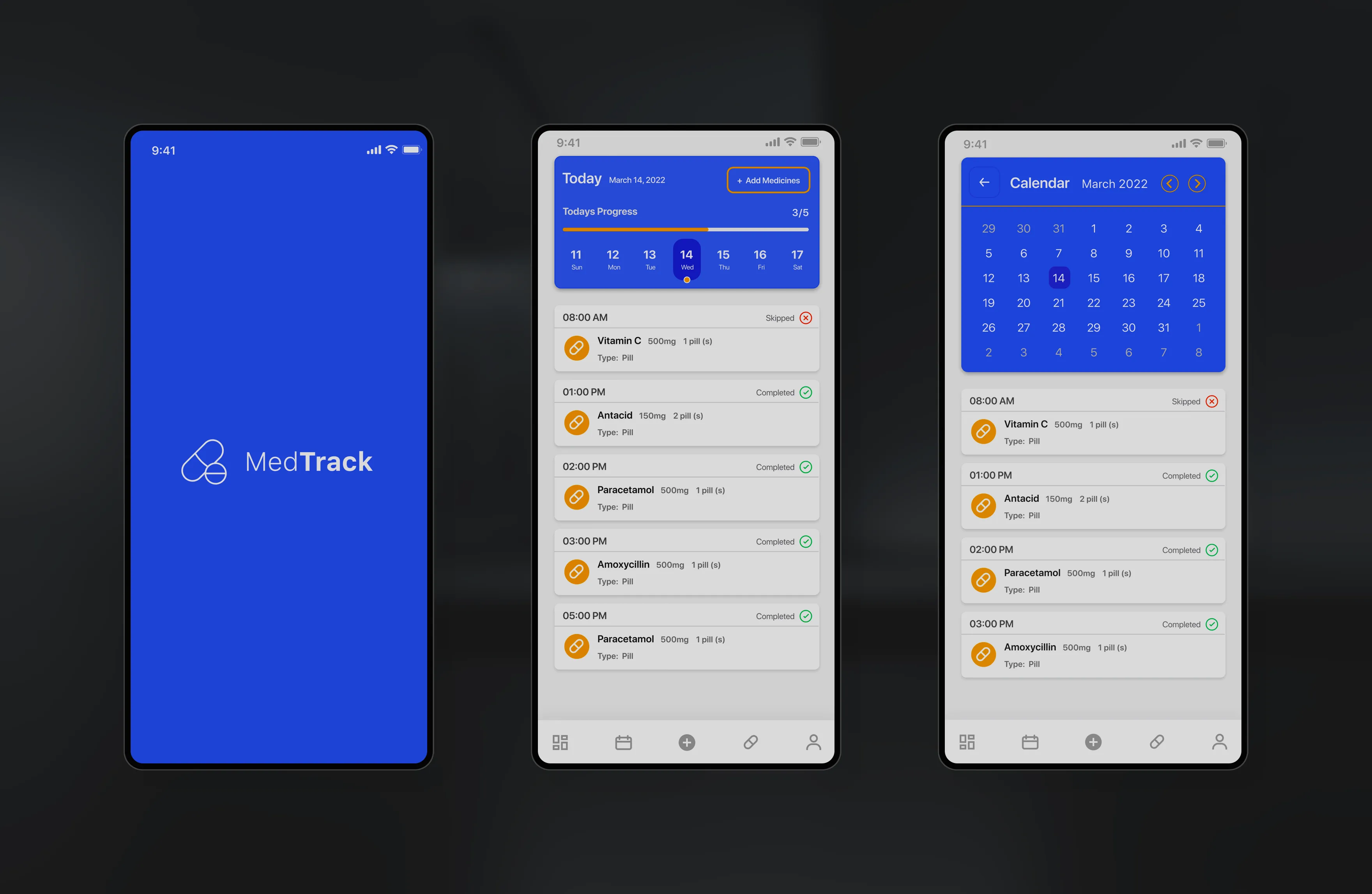
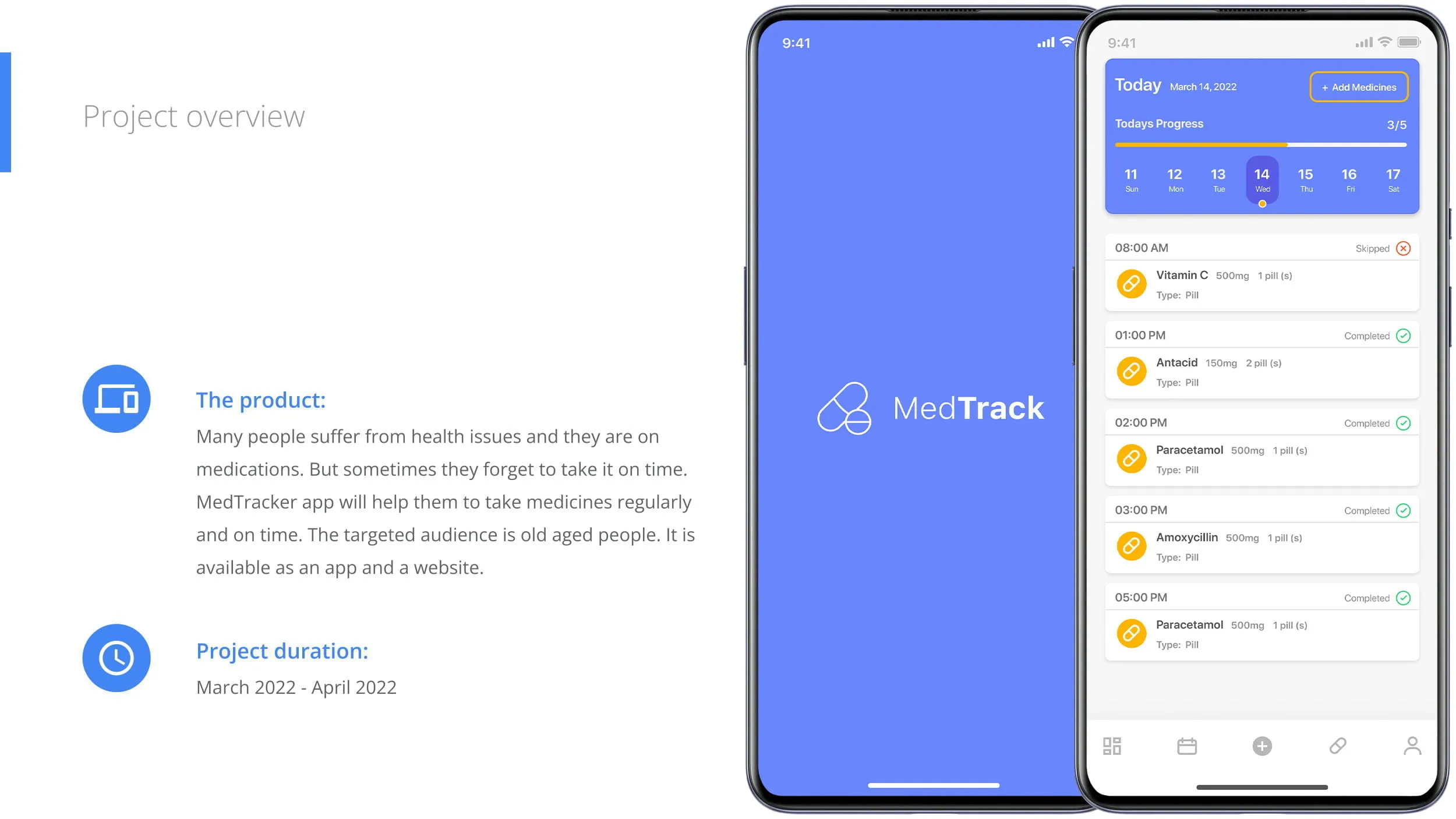
MedTrack is a mobile and web-based medicine reminder app designed to help adults and seniors stay consistent with their daily medication routines. The product also enables family members to monitor dependents’ medicine intake, ensuring safety, continuity, and peace of mind.
Challenge & solutions
Challenge
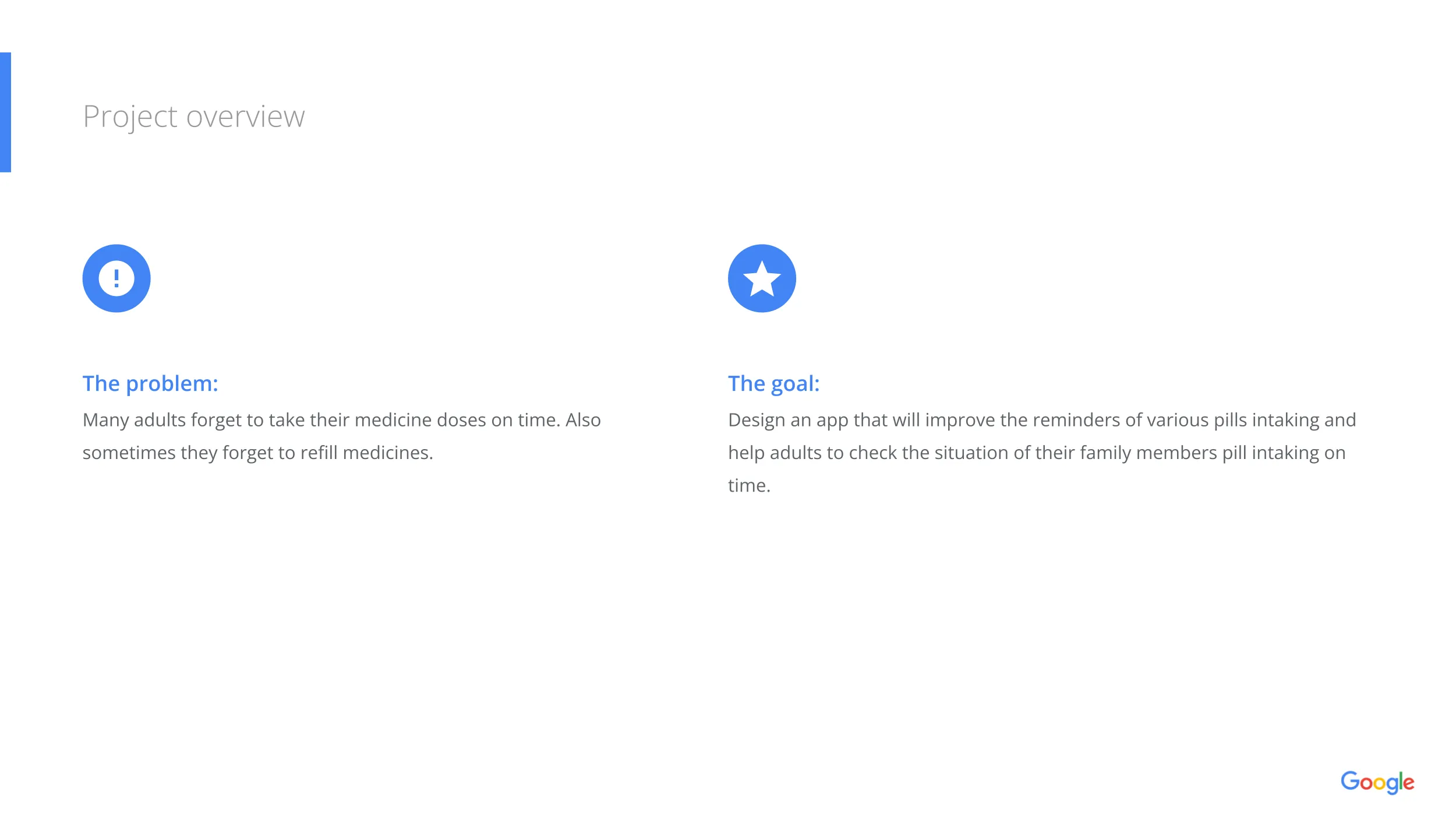
Many adults—especially seniors—struggle to take medicines on time. Missed doses, wrong doses, or forgotten refills pose serious risks. Caregivers often find it difficult to monitor whether their parents or loved ones have taken medicines on schedule.
MedTrack aims to solve this by offering timely reminders, easy tracking, refill alerts, and dependent monitoring through an intuitive and accessible interface.
Solution
A user-centered, accessible, and easy-to-navigate medicine reminder app that:
- Reminds users of daily medications
- Helps track intake history and refill schedules
- Enables caregivers to monitor dependents
- Reduces cognitive load with clean, simple UI patterns
- Supports responsive layouts for all devices

1. Understanding the User
User Research
Personas
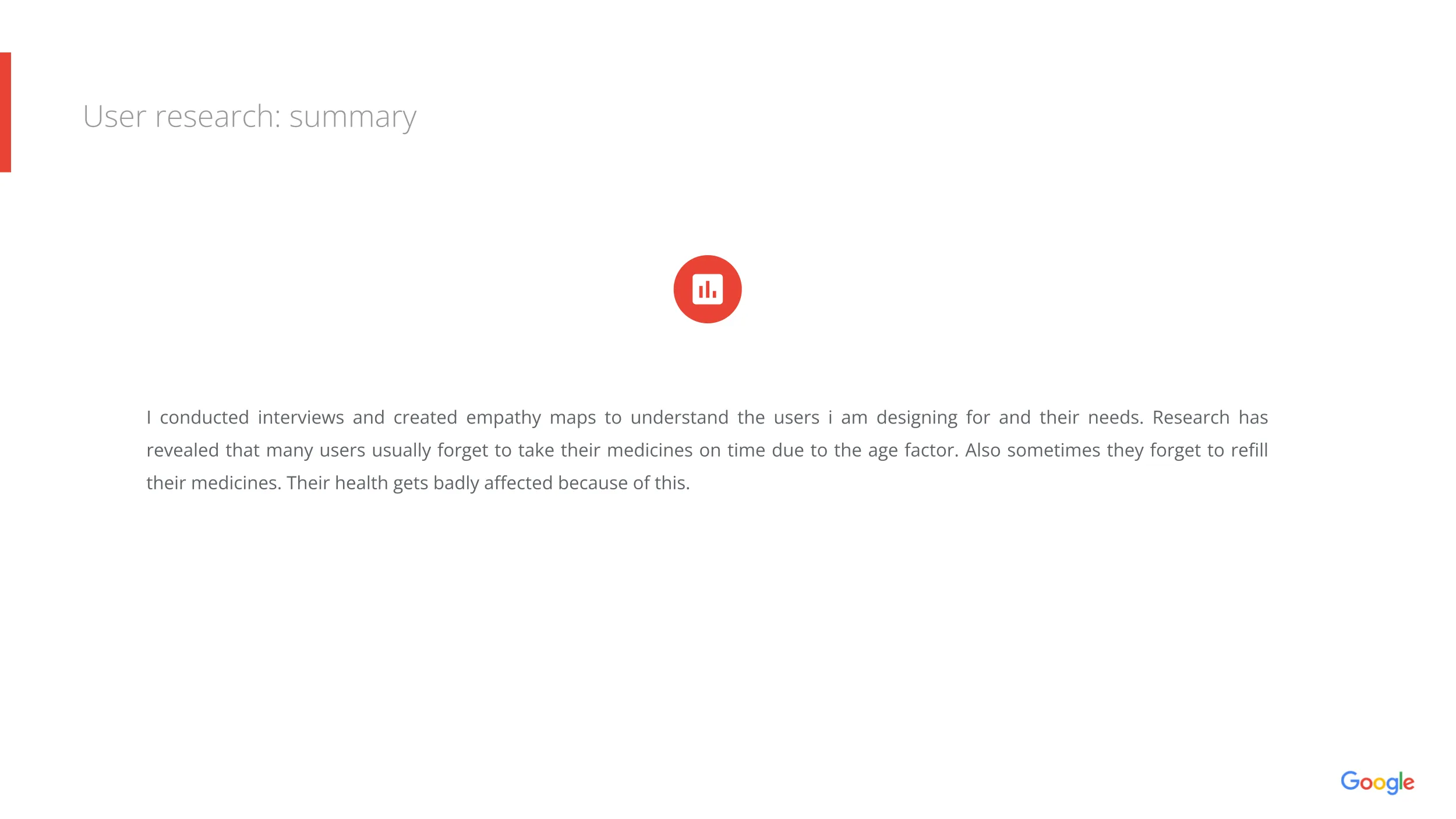
To understand user behavior, I conducted interviews and created empathy maps. The research revealed recurring pain points:
- Users frequently forget to take medicines due to age or busy schedules
- Many fail to refill medicines on time
- Caregivers want visibility into their parents' medication adherence
- Some users take multiple pills, making tracking confusing
These insights helped shape our problem space and inform UX decisions.
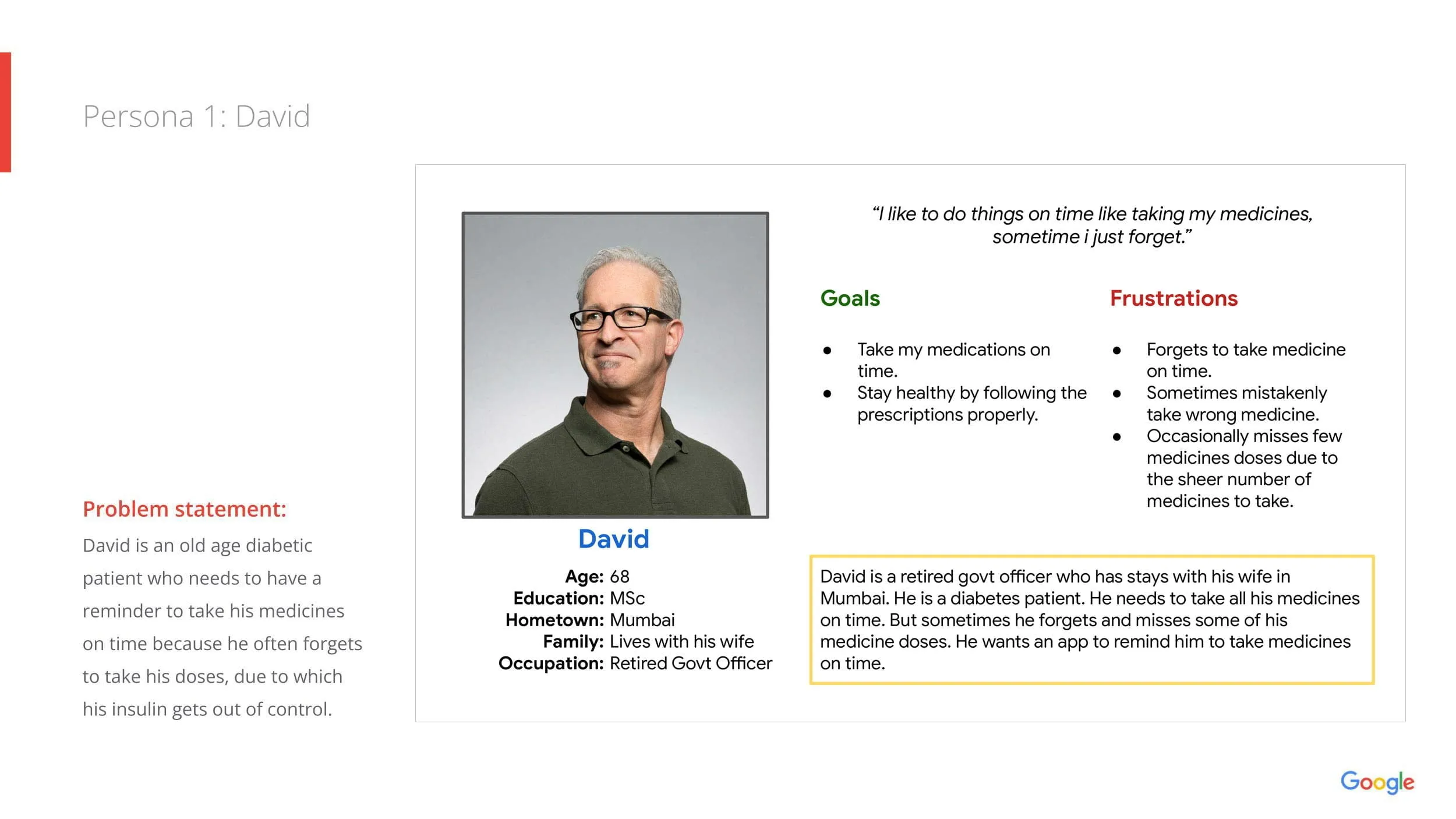
Persona 1: David — Senior, Diabetic
- Needs a reliable reminder system
- Often forgets doses, causing health risks
- Wants simple, clear notifications
- Goal: Stay consistent and healthy
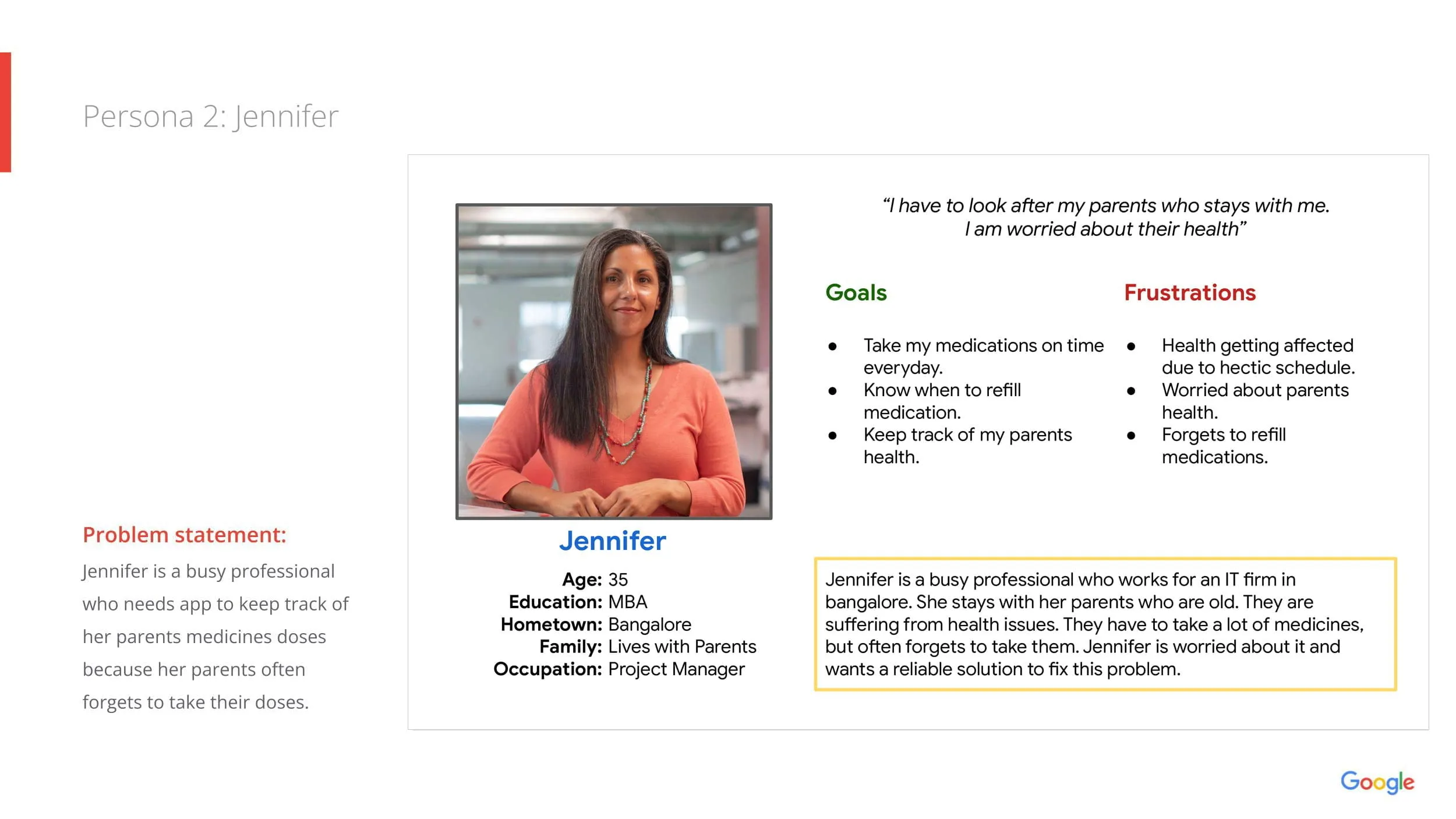
Persona 2: Jennifer — Busy Professional & Caregiver
- Manages her parents’ medicines
- Needs visibility into whether doses were taken
- Wants a quick way to track and refill
- Goal: Ensure her parents stay healthy
Personas validated the need for features like dependencies, refill tracking, and simple medication flows.
Problem Statements
- David needs reliable reminders because missed doses affect his insulin levels.
- Jennifer needs a centralized place to track her parents’ medications because they often forget.
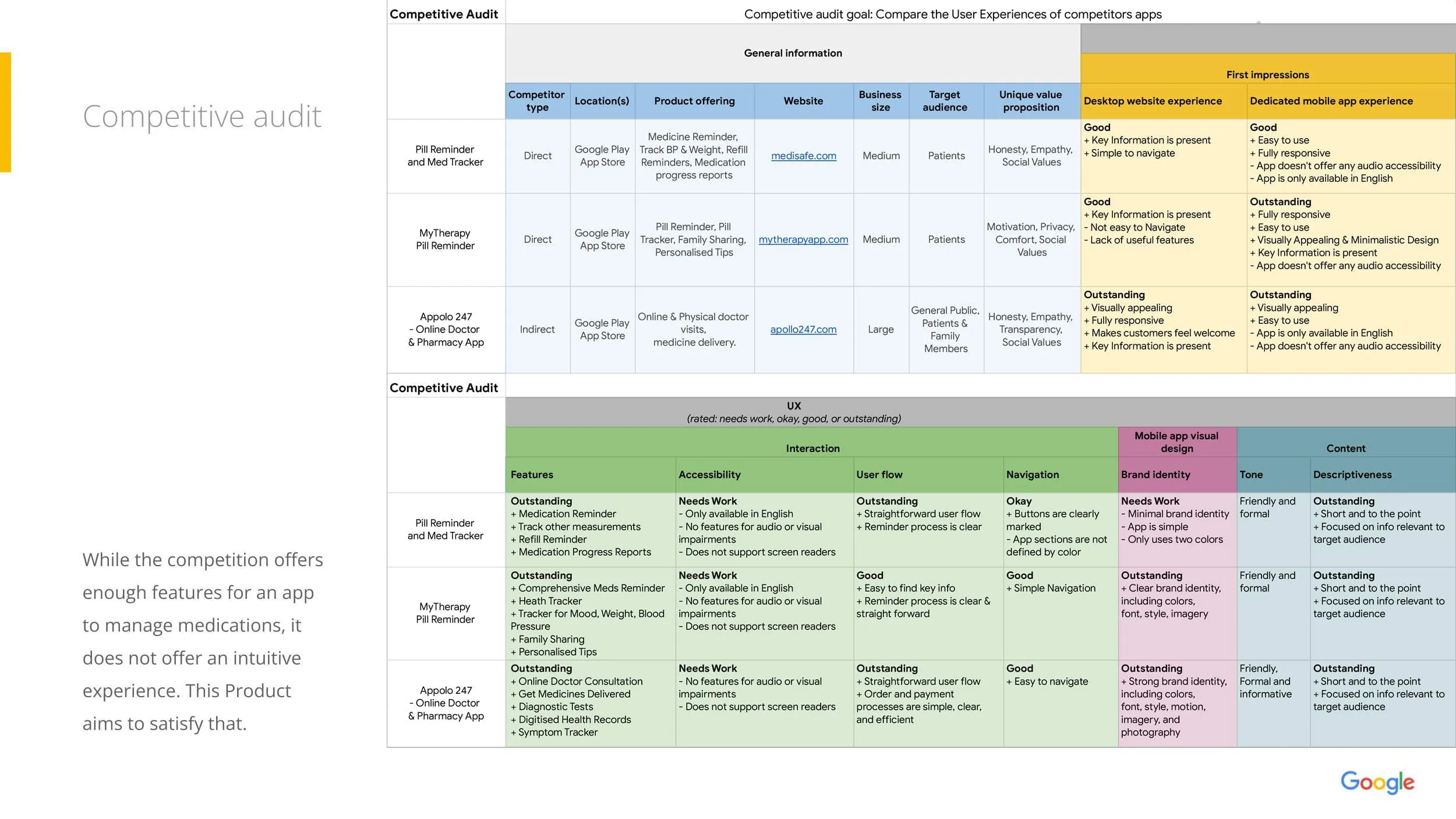
2. Competitive Audit
- Strong features but low accessibility support
- No clear dependent/caregiver management
- Overly complex flows for seniors
- Limited visual hierarchy for reminders
This highlighted opportunities for MedTrack to offer:
✔ Better clarity
✔ Simpler flows
✔ Dependents & caregivers
✔ Accessibility improvements
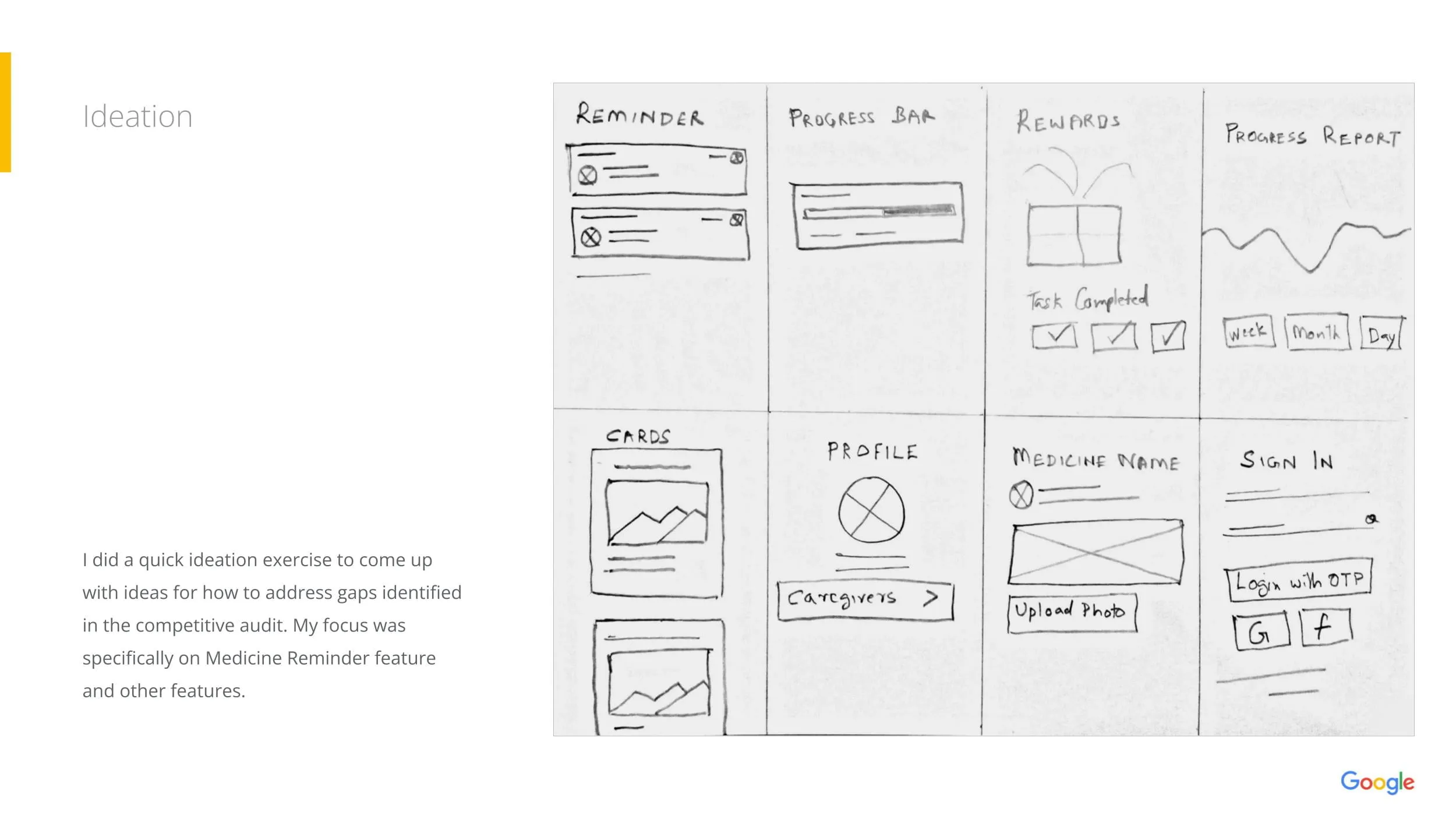
3. Ideation
Using sketches and quick ideation exercises, I explored:
- Reminder cards
- Progress indicators
- Profile & dependent structure
- Medicine detail layouts
- Onboarding improvements
These sketches helped align the mental model before moving to digital wireframes.
4. Starting the Design
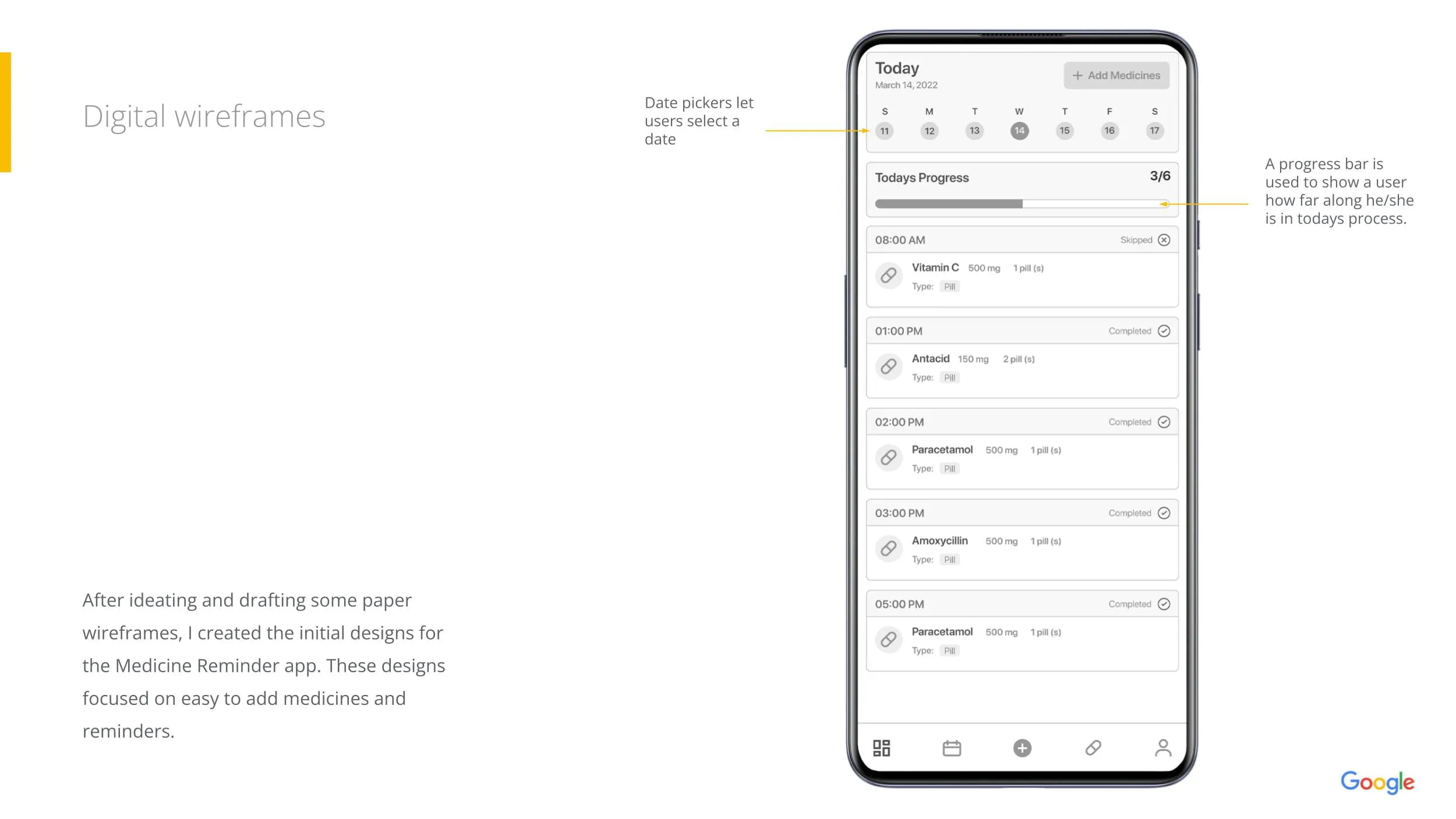
Digital Wireframes
The first wireframes focused on:
- Daily medicine overview
- Clear time-based grouping
- Progress tracking for each day
- Easy "Add Medicine" flows
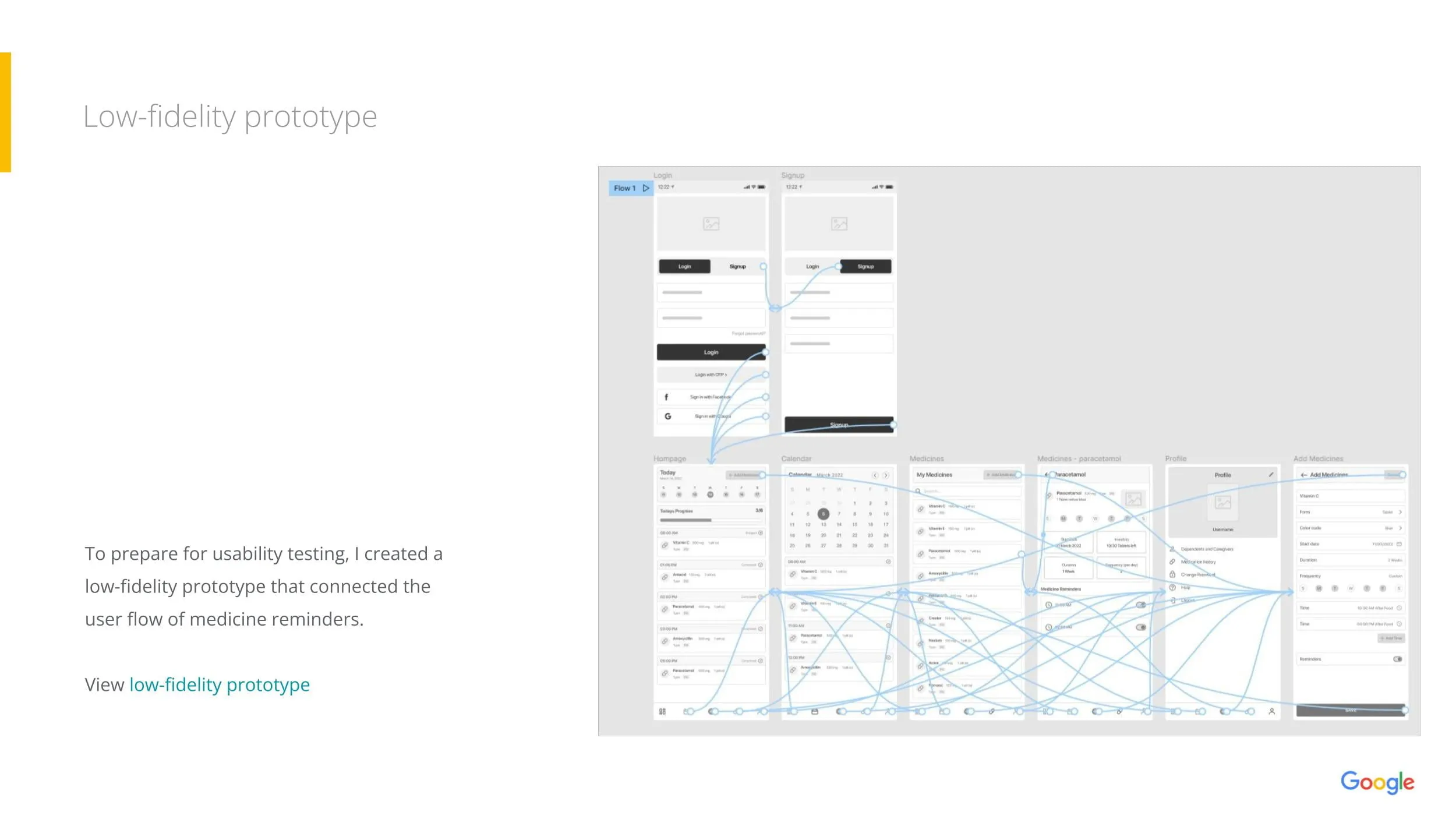
Low-fidelity Prototype
A connected flow was created to support usability testing.
This prototype included:
- Login
- Calendar
- Medicine list
- Profile
- Adding medicines
5. Usability Study
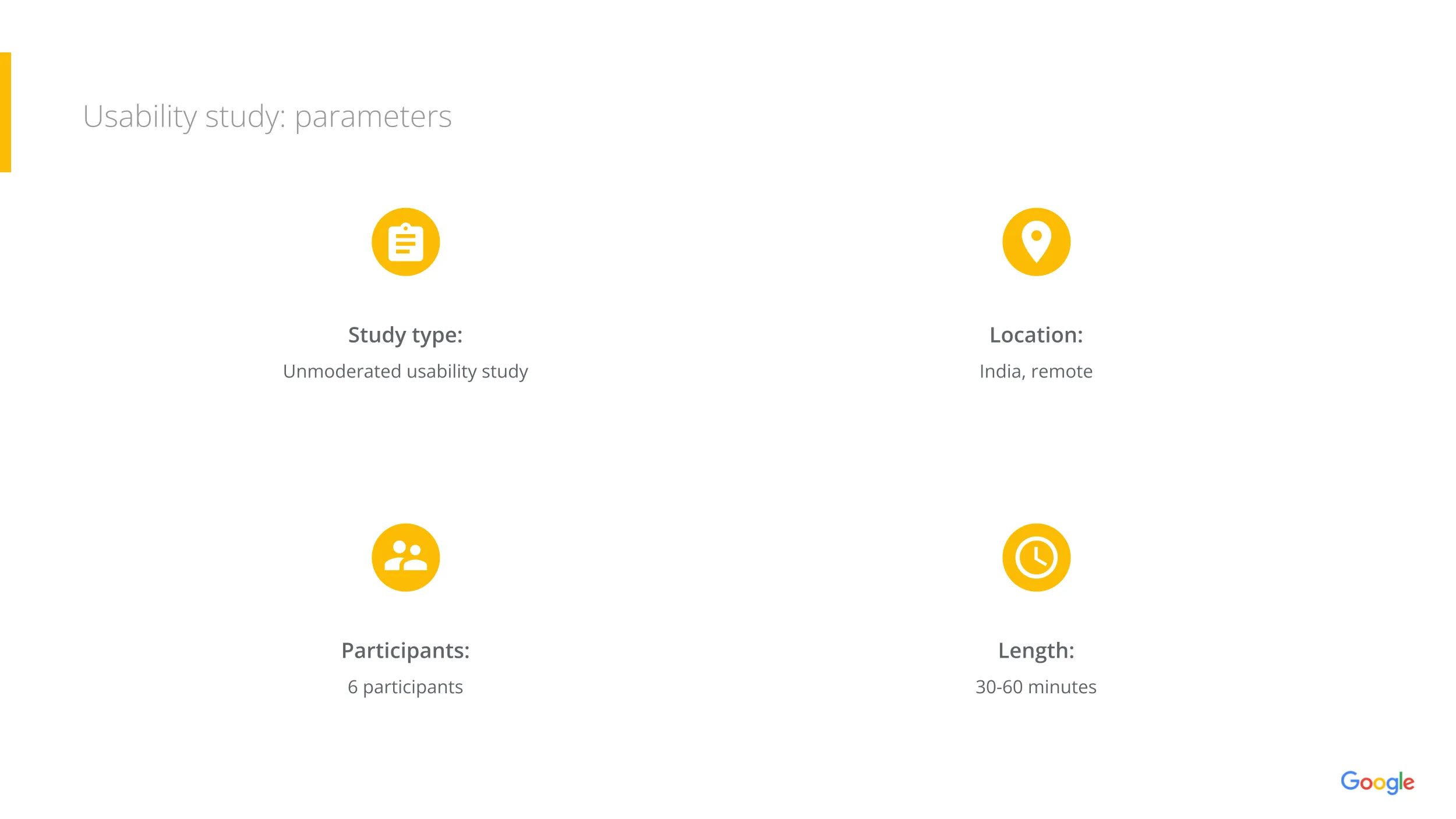
Parameters
- Type: Unmoderated
- Location: India
- Participants: 6
- Length: 30–60 minutes
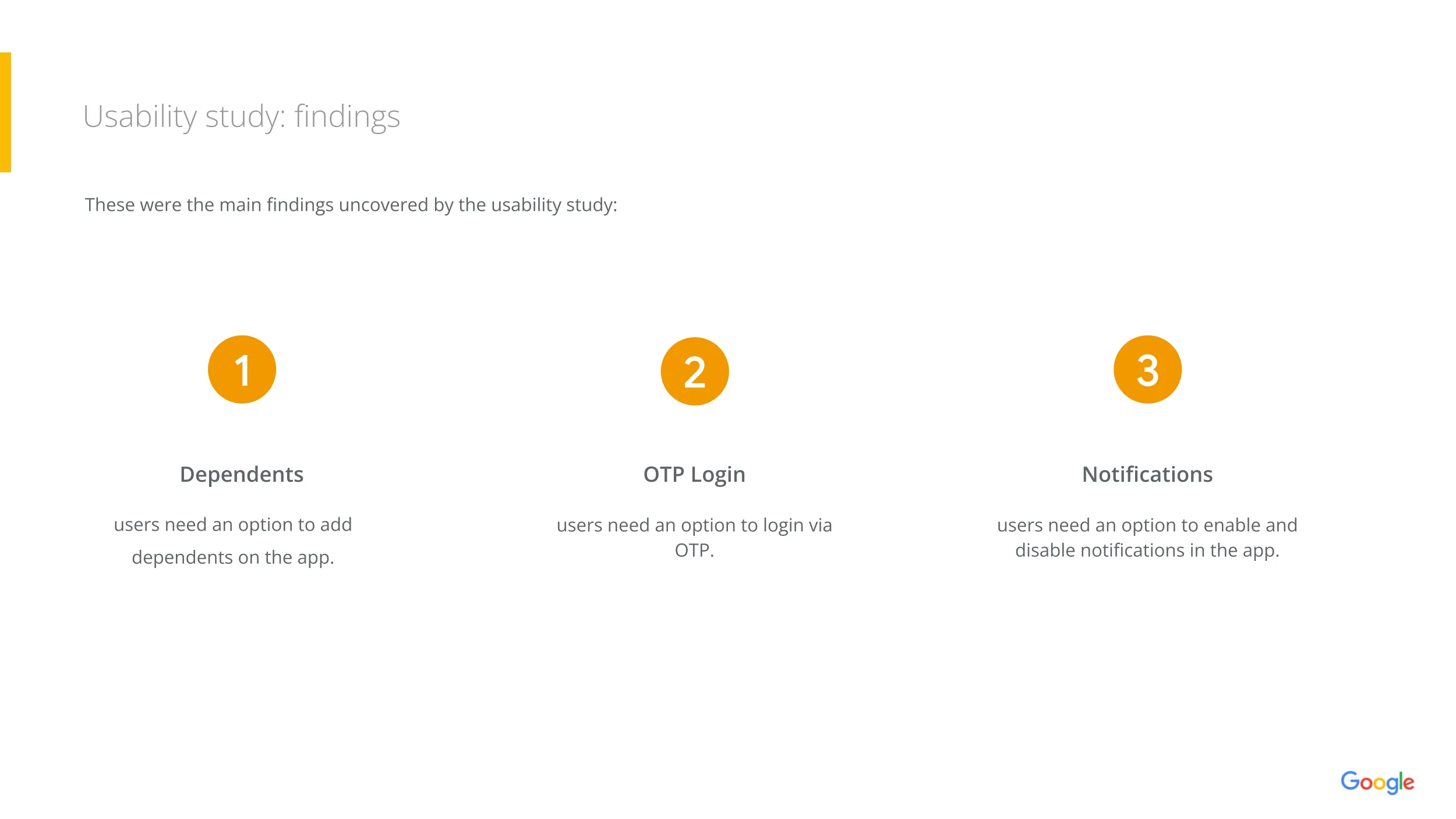
Key Findings
- Users want the ability to add dependents
- Users prefer OTP login for convenience
- Users want control over notifications
These insights validated many assumptions and guided the next design iteration.
6. Refining the Design
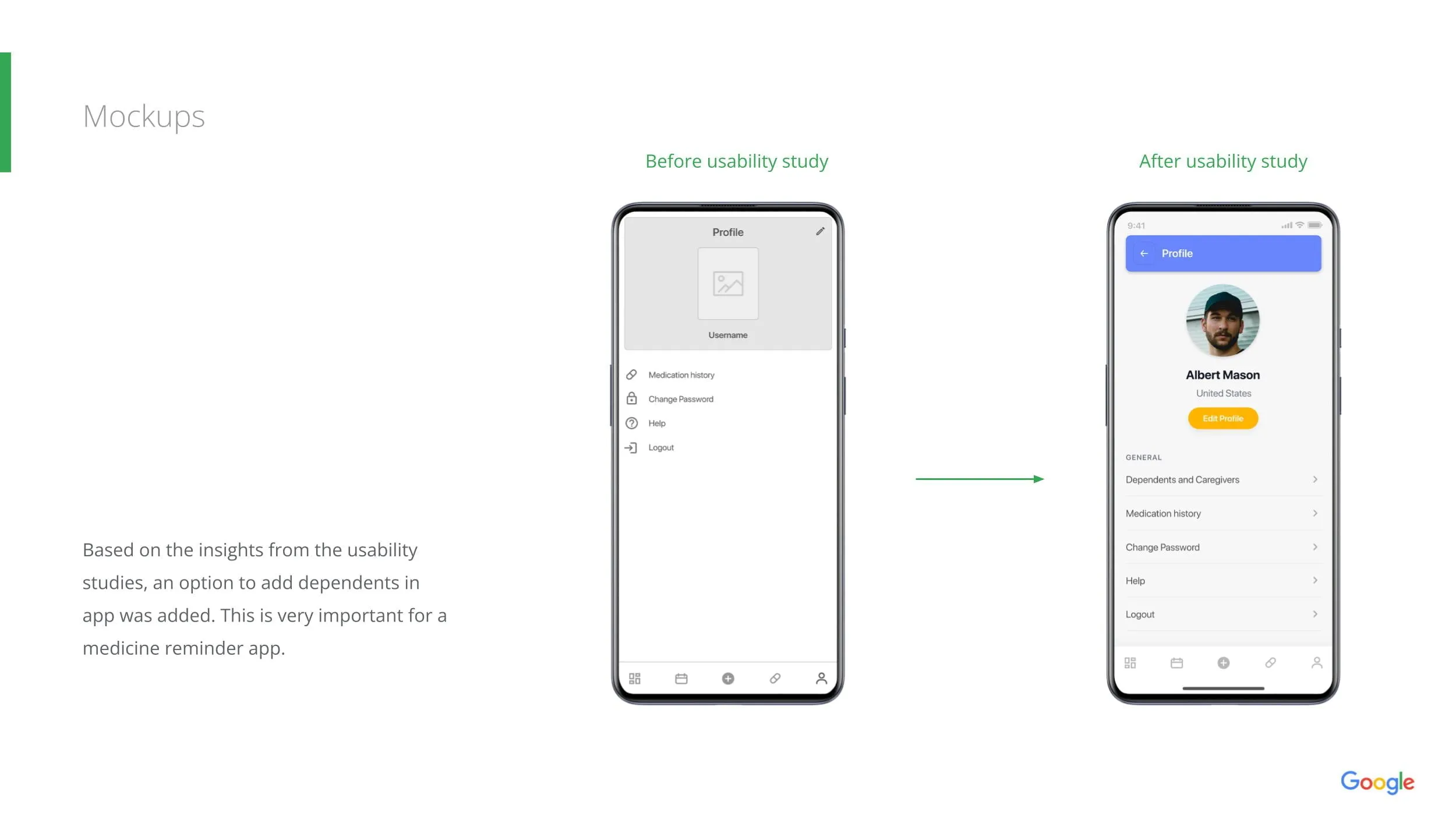
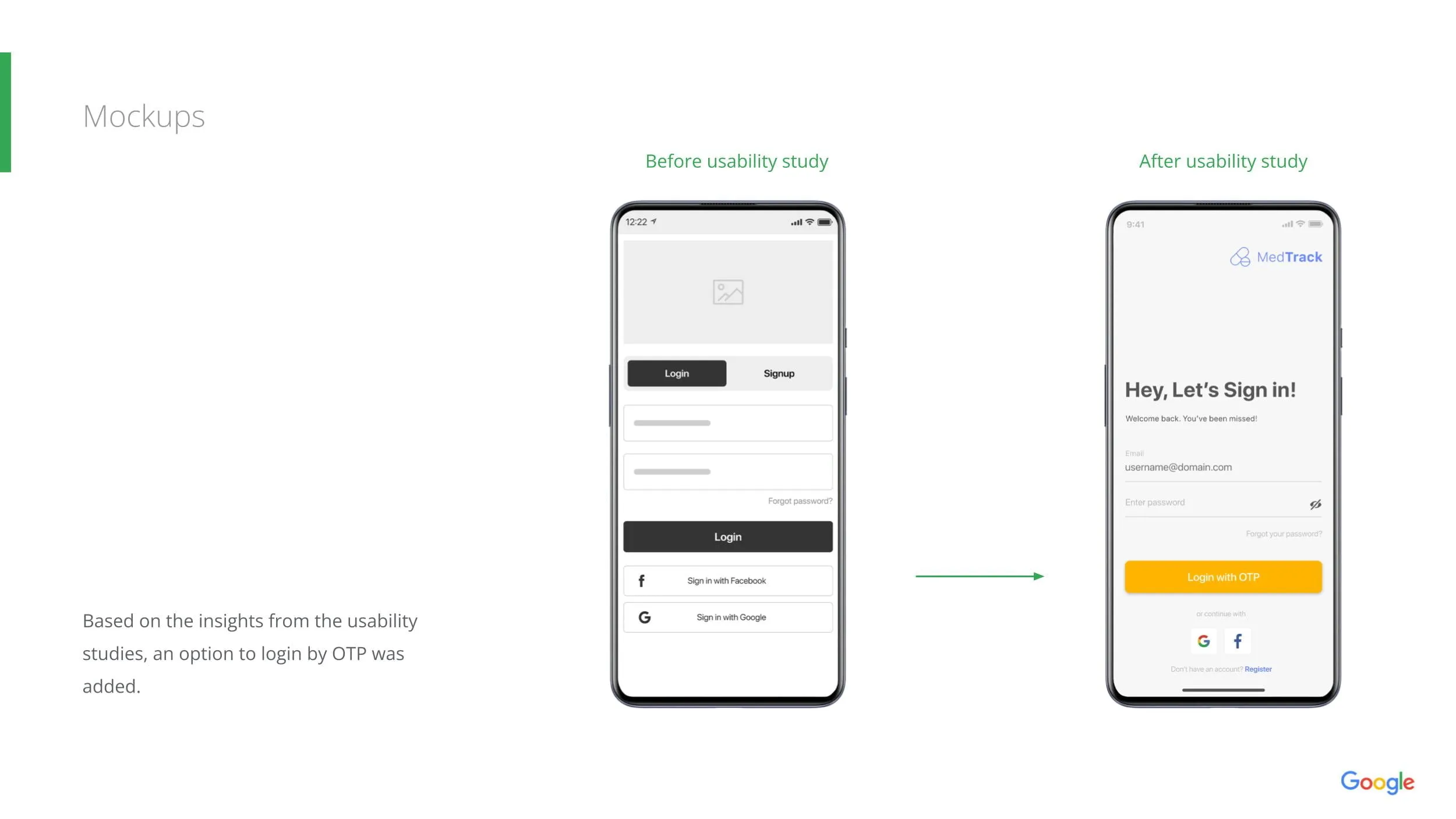
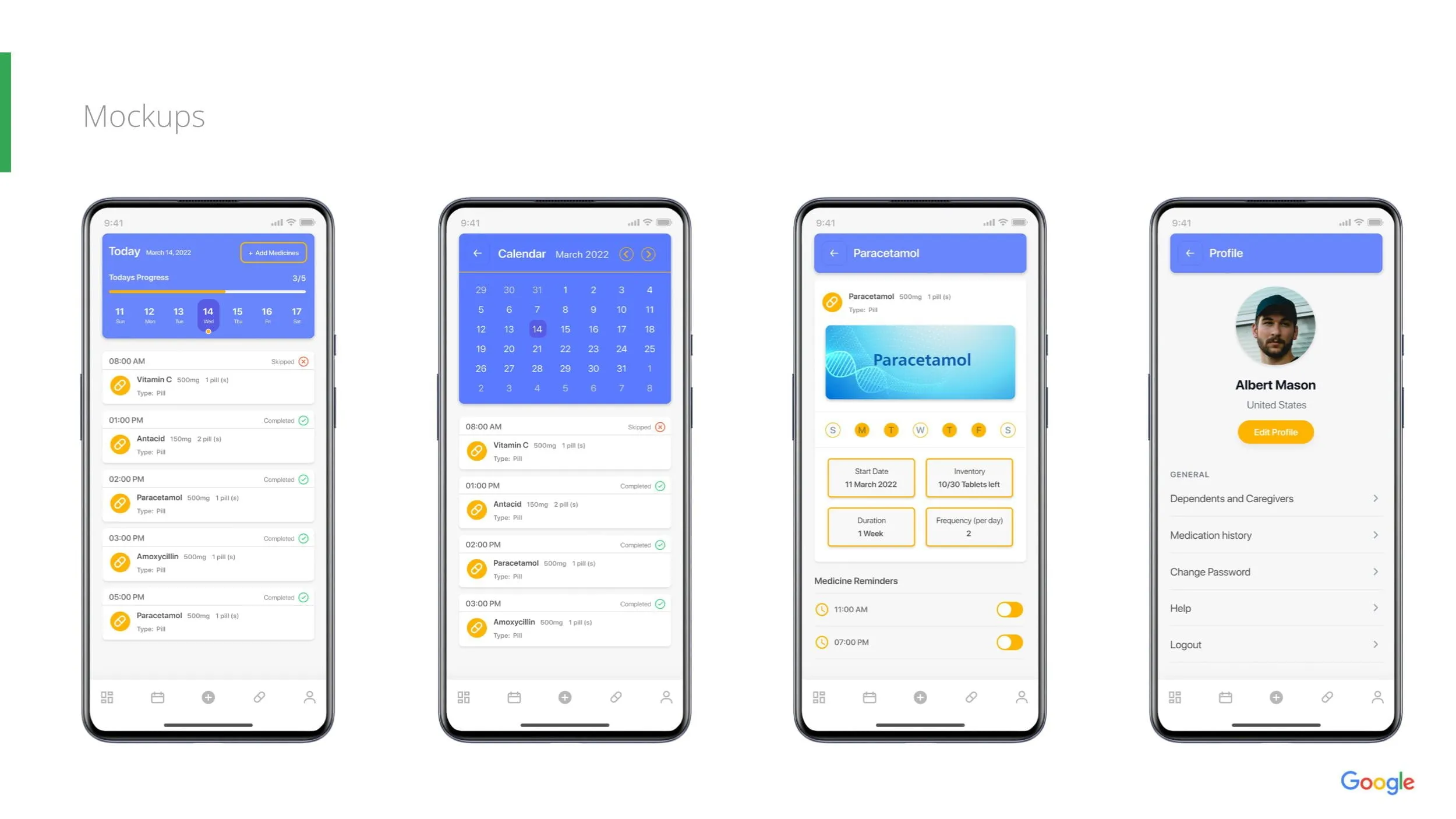
Mockups
Based on user feedback:
1. Dependents
Added a dedicated “Dependents & Caregivers” section in the Profile.
2. OTP Login
Introduced a simplified login flow with OTP support.
3. Improved UI
Updated visual hierarchy with clearer cards, improved spacing, and friendly icons.
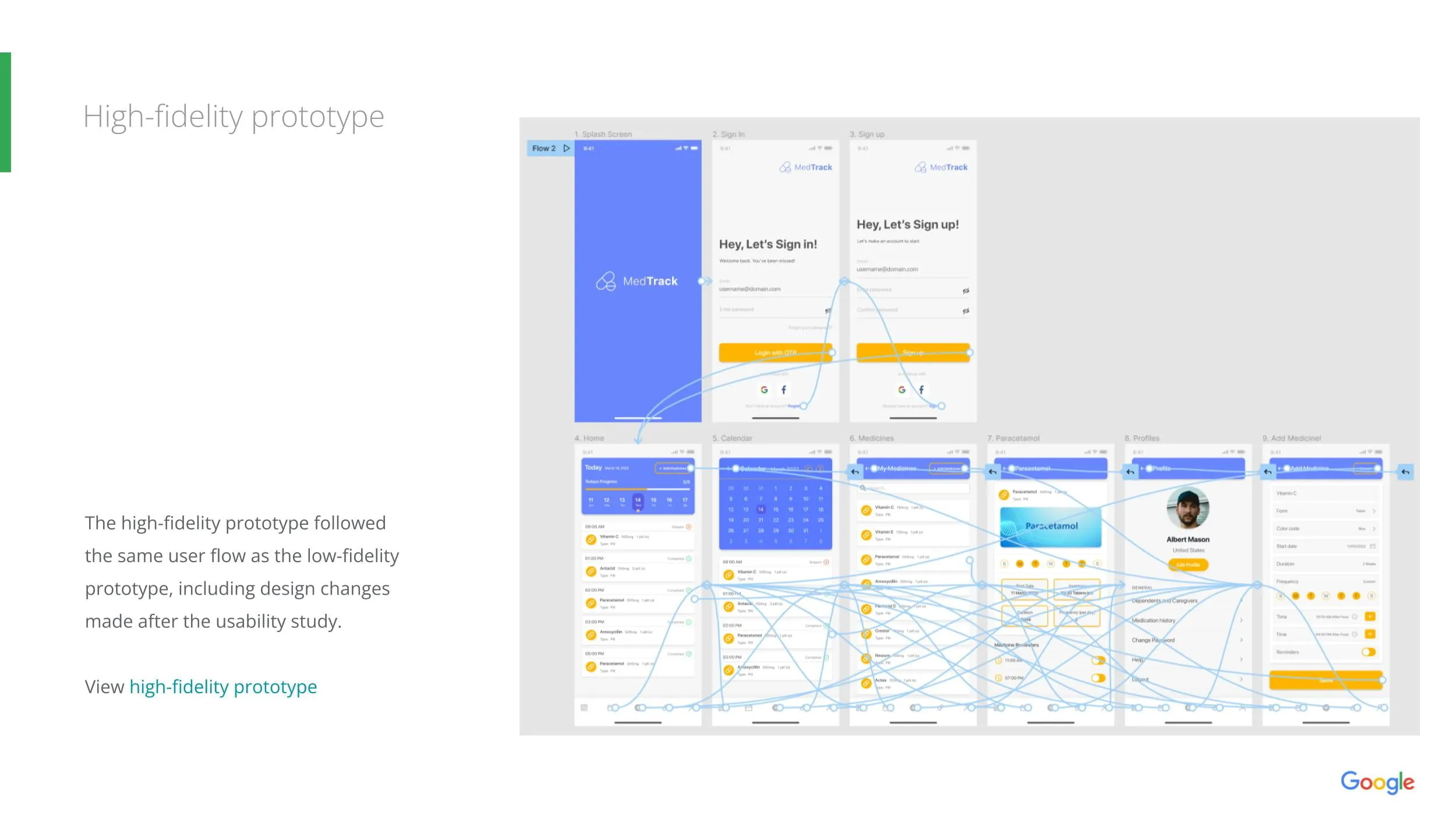
High-Fidelity Prototype
The final prototype reflected:
All usability study improvements
Faster flows
Clean visual balance
Better accessibility practices
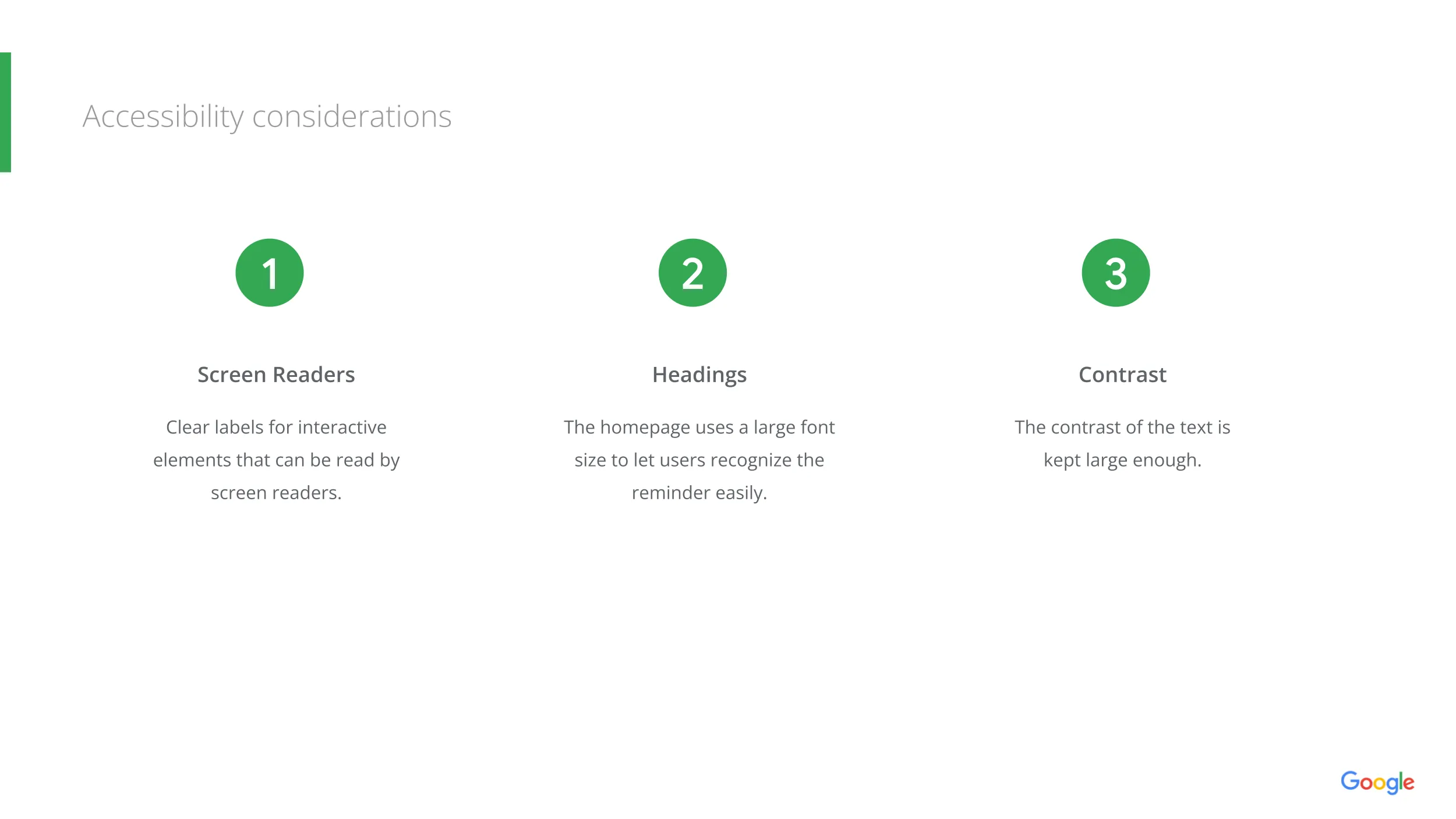
7. Accessibility Considerations
To ensure inclusive design:
1. Screen Reader Labels
All interactive elements use clear, consistent labels.
2. Headings
Large, readable headings aid seniors with visual strain.
3. High Contrast
Color contrast meets accessibility standards for legibility.
8. Responsive Design
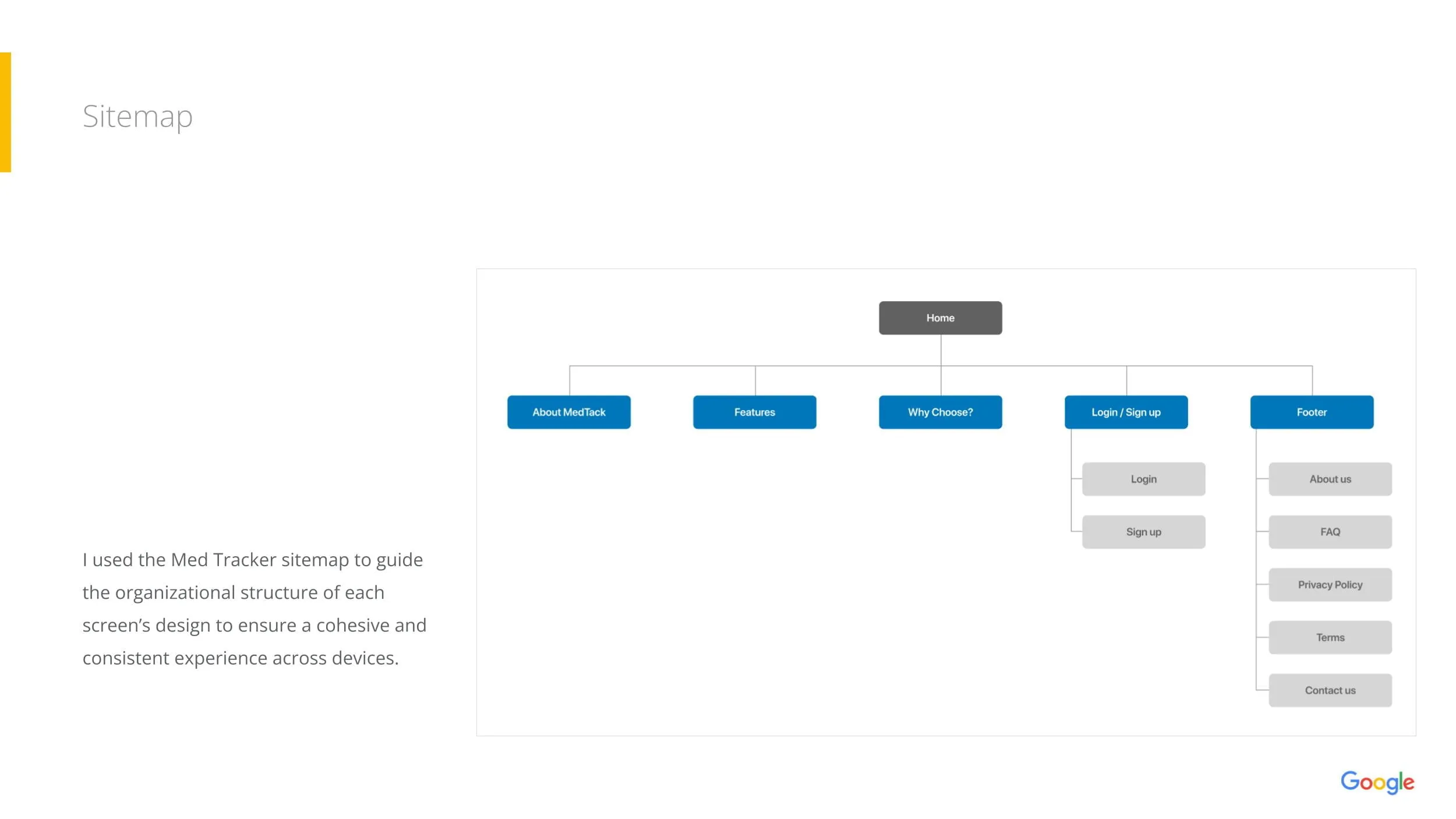
Sitemap
A structured sitemap guided page organization and ensured consistency across devices.
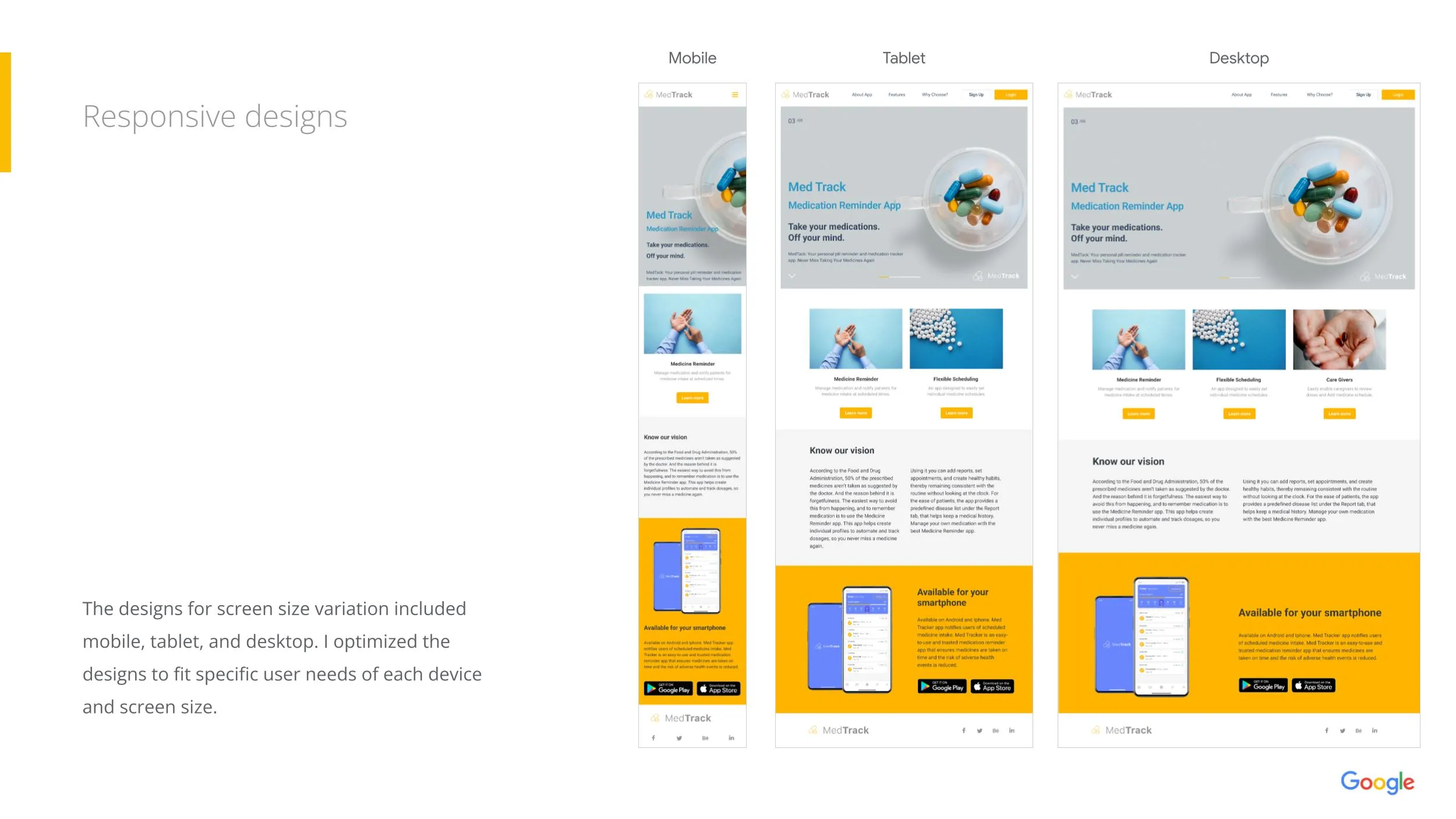
Responsive Screens
Designed for:
- Mobile
- Tablet
- Desktop
Ensuring seamless use on any device and supporting caregivers who prefer larger screens.
9. Final UI
A clean, bright visual style with focus on clarity and simplicity:
- Daily schedule with progress bar
- Calendar view
- Medicine detail & history
- Profile and caregiver management
- Refill tracking & inventory
10. Key Learnings & Impact
Impact
MedTrack helps users:
- Stay consistent with medication
- Reduce missed doses
- Track refill and inventory
- Support dependents with ease
What I Learned
- Feedback is essential—every iteration strengthened the product
- Accessibility is not optional, especially for health apps
- Simple flows matter more than clever UI
- User testing drives clarity and confidence
11. Next Steps
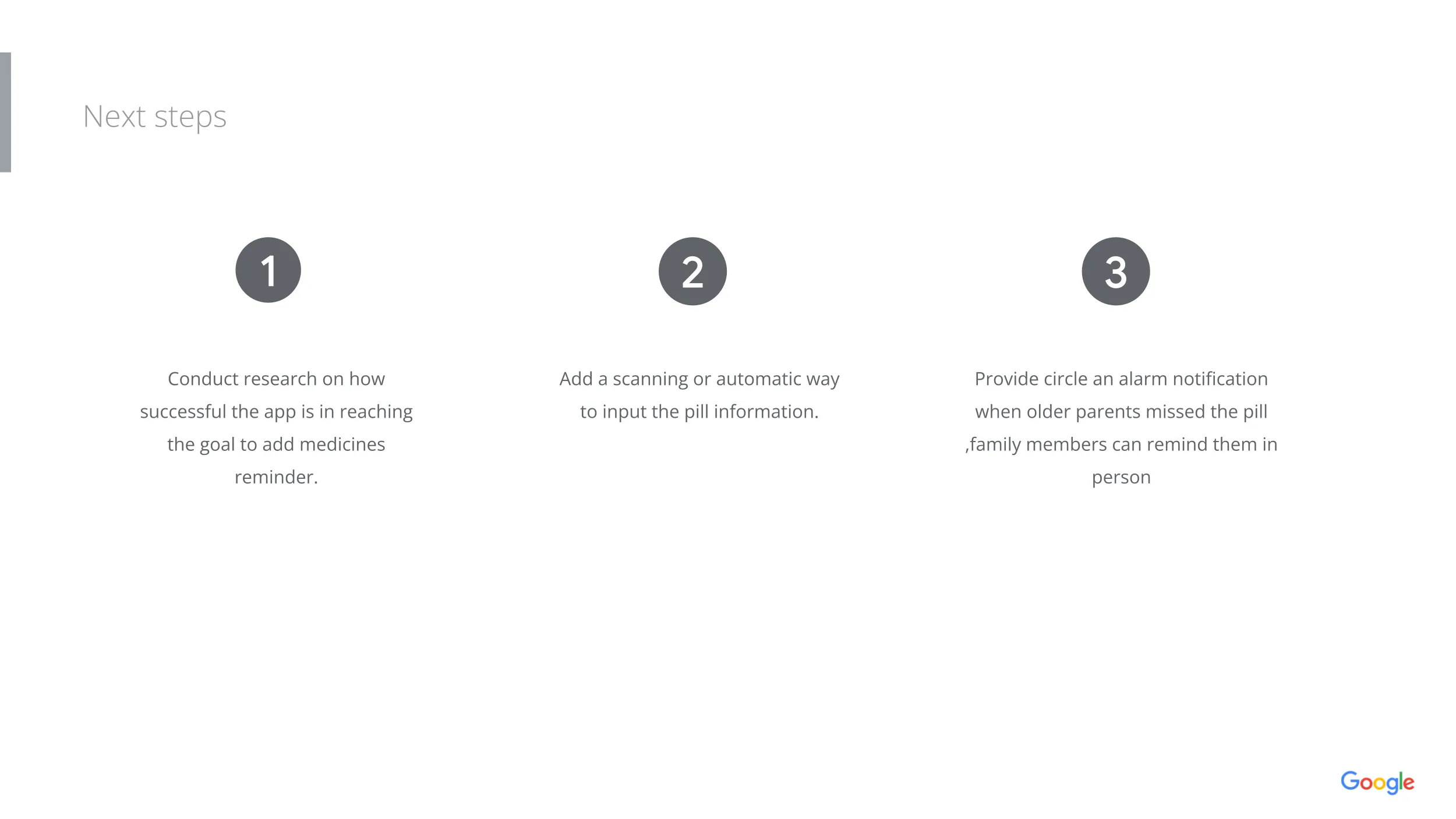
- Conduct deeper research on adoption & usage behavior
- Add a pill scanning feature to automate medicine input
- Introduce family alerts when a dependent misses a dose
- Expand the app with refill ordering integrations